Inspect JWT Claims Without Trusting the Decode
A decoded JWT can explain a 401, but it cannot prove that an API should accept the token. Check its structure, claims, and verification boundary.
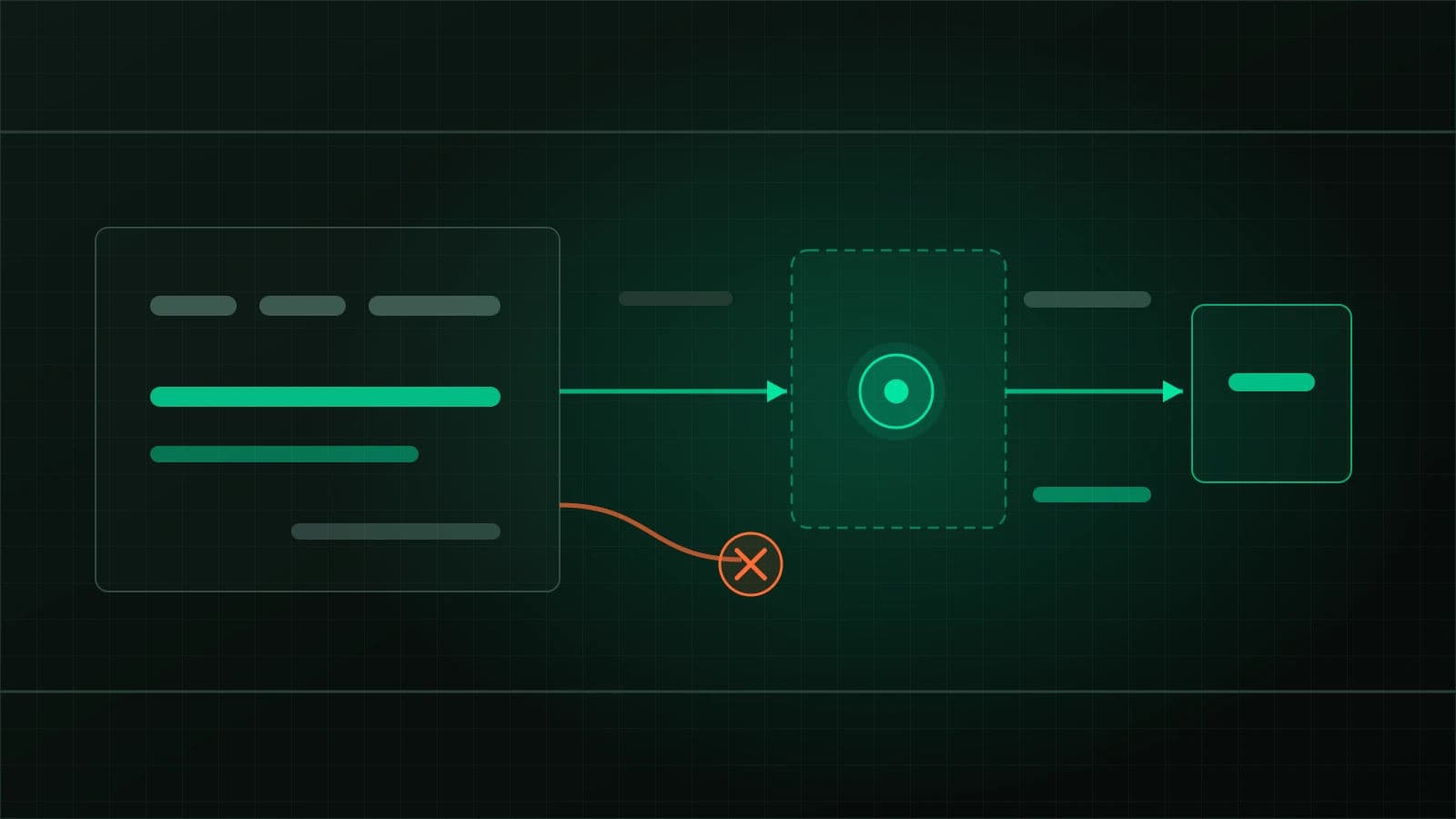
The JWT Decoder shows a test token’s header and claims. With the test secret, it can also check an HMAC signature. A readable payload alone says nothing about whether your API should accept it.
An API returns 401 after a token refresh. Before changing the authorization code, check what the client actually sent: the issuer, audience, expiry, and signing algorithm. Use a disposable test token for this inspection. The page warns against pasting production tokens or secrets into a browser.
Separate a broken token from a rejected token
Paste a complete test token into Encoded Token, with or without its Bearer prefix. The right pane displays decoded JSON for the header and payload. In a live check, entering Bearer x.y returned the exact message Invalid JWT: expected 3 parts, got 2. That is a format error; rotating an HMAC secret cannot repair a missing segment.
For a reproducible claim check, generate an HS256 example on the page and inspect alg, sub, and iat. The built-in sample showed alg: HS256, sub: 1234567890, and iat: 1516239022. Those are sample values, not a credential. The tool labels the three encoded segments separately, so you can tell a missing signature from a payload mistake.
What a green badge proves
The page attempts HMAC verification for HS algorithms using the secret in its form. If the header names an asymmetric algorithm such as RS256, the decoder can display the claims but this page does not verify the signature with a public key. Its signing helper also creates a placeholder for asymmetric algorithms. Do not copy that placeholder into a test or treat the decoded JSON as authenticated.
Even a verified HMAC signature answers only part of the server’s question. The JWT specification defines iss, aud, exp, and nbf as separate claims. Compare them with your service’s expected issuer, audience, and clock policy. A role in the payload is still input to the server’s authorization decision, not evidence that the role is permitted for an endpoint.
Where to check the real acceptance decision
Use this tool to inspect a synthetic or redacted token while debugging a client. Use your service’s verifier and an integration test to prove that a specific token is accepted or rejected. That test should cover the signing key, permitted algorithm, issuer, audience, expiry, and the protected route’s permission check.
Can I paste a production JWT? Avoid it. Token contents and secrets can remain in browser or clipboard state. Build a test fixture with the same claim shape.
Capture the failing claim
For the next 401, save the test token’s claim names and the verifier’s rejection reason. Keep the complete token out of screenshots and issue comments. A claim mismatch is much easier to fix than a generic “auth failed” report.
References for the claim check
- JWT Decoder: live editor, format error, and supported verification behavior.
- RFC 7519: JWT structure and registered claims.
- RFC 8725: JWT validation and algorithm selection guidance.