Check Regex Capture Groups Before Parsing Test Logs
Test a regex against pass, fail, and skip log lines. Inspect two matches and their groups before using the expression in a parser.
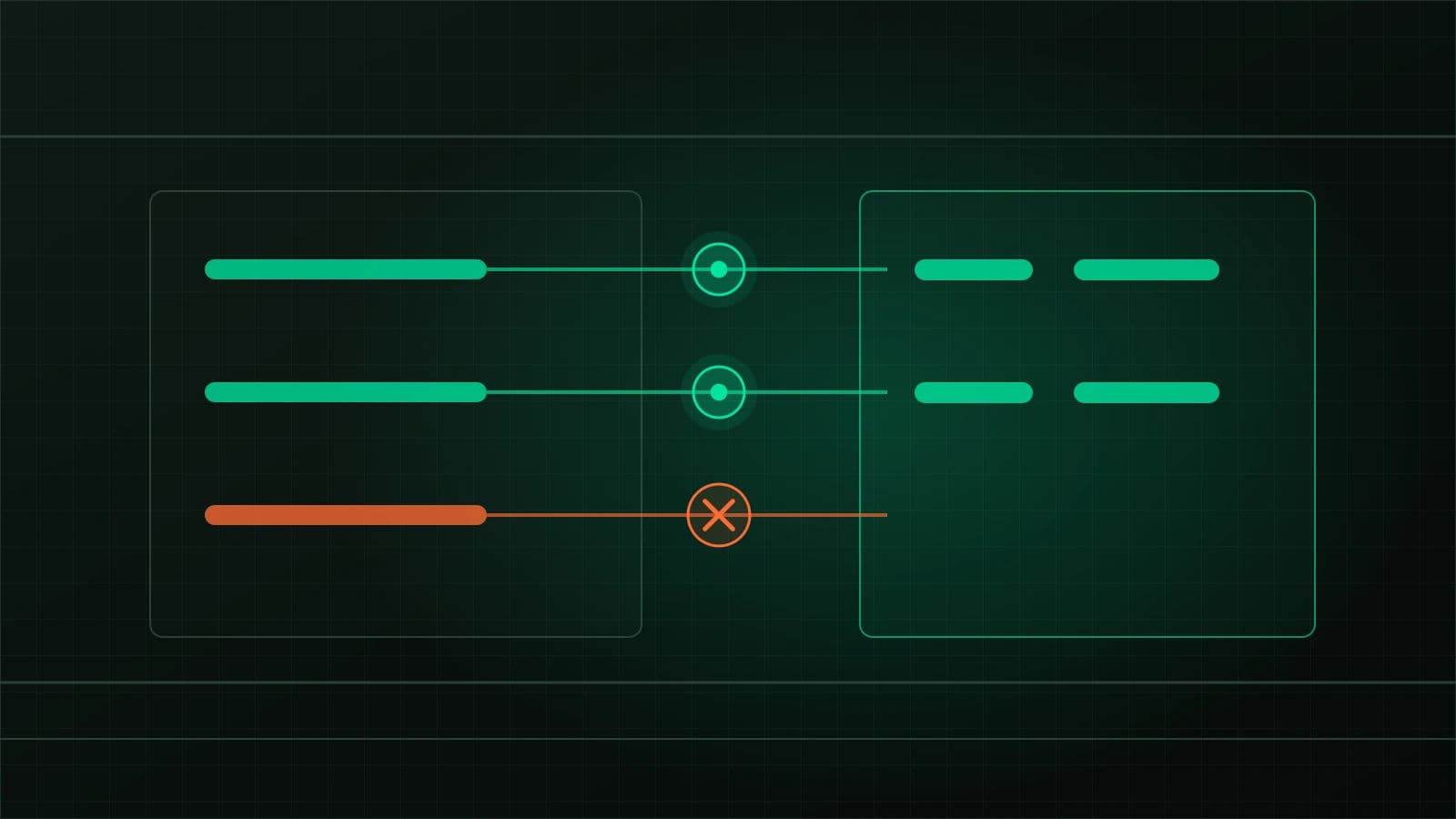
The Regex Tester shows every match, its position, and its capture groups while you edit a pattern. Use it when a log parser needs fields from several similar lines and you want to see exactly what the expression accepts before putting it in code.
A three-line log sample
Suppose a CI summary contains pass, fail, and skip lines. Enter this pattern in the top field:
(?<status>PASS|FAIL):\s+(?<id>[A-Z]+-\d+)Replace the sample text with:
PASS: QA-17
FAIL: QA-18
SKIP: QA-19
The page reports 2 matches with flag g. Its details show PASS: QA-17 at index 0, length 11, groups PASS, QA-17; and FAIL: QA-18 at index 12, length 11, groups FAIL, QA-18. SKIP: QA-19 stays unhighlighted. That is the useful check: the two groups supply a status and issue ID, while an unsupported status is left alone.
Copy the expression, then test the boundary
The site compiles the pattern with JavaScript RegExp and adds g even if you leave the button off, so its match count always scans the whole input. The i, m, and s buttons change case sensitivity, line anchors, and dot behavior. Named groups are accepted by the engine, although the details table presents the group values in order rather than by name.
Try a line with PASS: qa-20. It should remain unmatched under the original expression: [A-Z]+ excludes lowercase IDs. Turn on i only if lowercase IDs are part of the real log format. Do not add a permissive flag merely to make the sample green.
For a reproducible check in JavaScript, carry the same expression into a small test:
const lines = 'PASS: QA-17\nFAIL: QA-18\nSKIP: QA-19';
const rows = [...lines.matchAll(/(?<status>PASS|FAIL):\s+(?<id>[A-Z]+-\d+)/g)];
console.log(rows.map(({ groups }) => groups));
// [{ status: 'PASS', id: 'QA-17' }, { status: 'FAIL', id: 'QA-18' }]
The browser page is a fast scratchpad, not a substitute for parser tests. It uses JavaScript regular expressions; Python re, PCRE, and other engines differ in syntax and edge cases. The page description mentions Python, but the implementation uses new RegExp, so verify the pattern in the runtime that will execute it. Also avoid pasting sensitive logs; reduce the sample to invented lines first.
When another tool is better
If your input is structured JSON, parse fields rather than matching braces with regex. If the pattern is a production log parser, keep fixture tests for malformed IDs, new statuses, and blank lines. The browser result tells you what happened for this sample, not what every future log will contain.