Review k6 Thresholds Before Running Generated Load
A generated k6 script is a bounded first probe. Its fixed 200 check and default 500 ms limits need review against the endpoint contract.
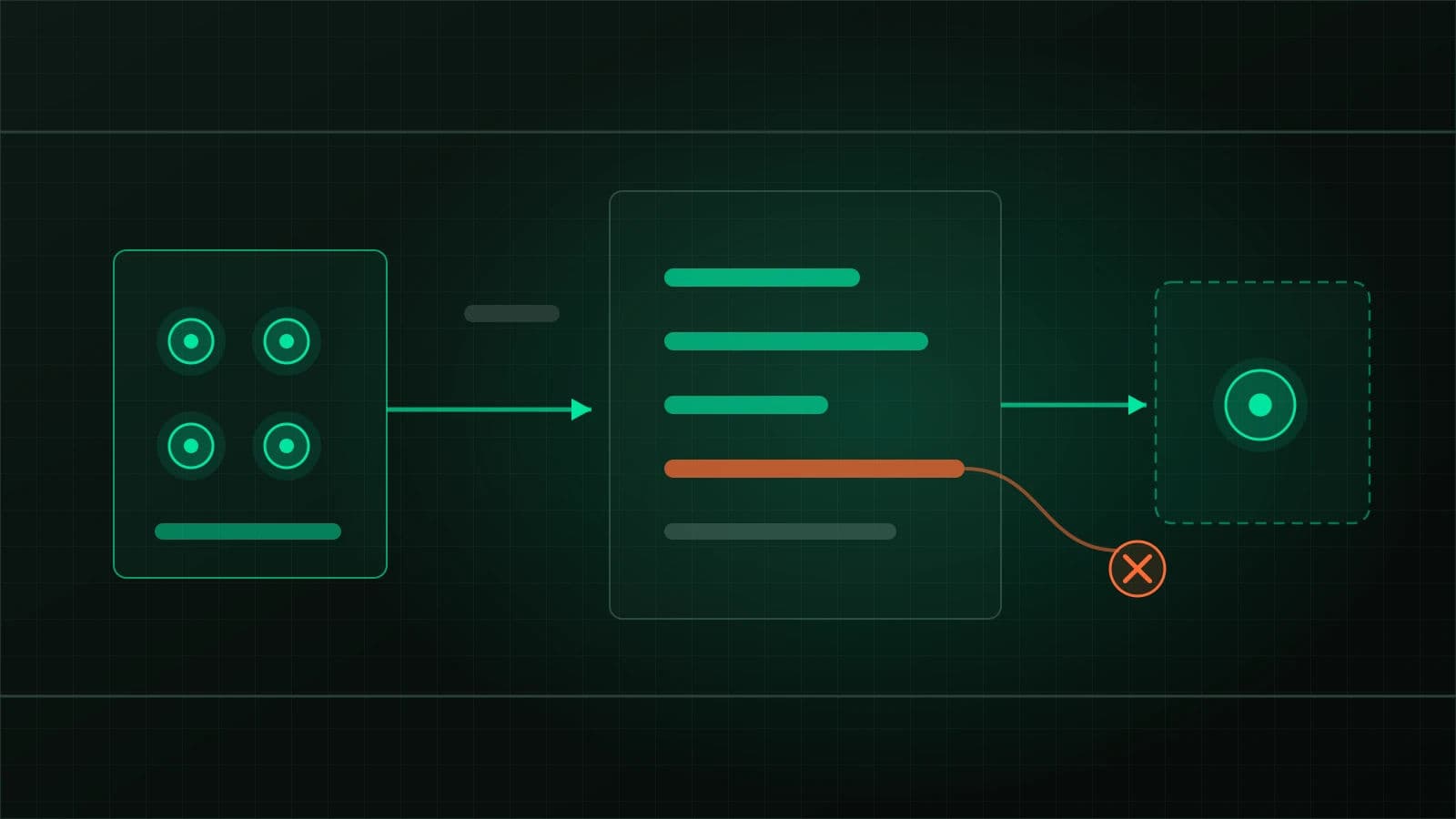
The k6 Script Generator can give you a bounded first load probe: one request, a virtual-user count, a duration, and pass/fail thresholds. Before the run, inspect the generated checks. Their defaults may disagree with your endpoint’s contract.
A team asks whether an orders endpoint can handle a promotion. A form asking for “number of users” looks tempting, but five concurrent users for twenty seconds do not model a promotional arrival rate. The generator can build the first probe; sizing the real load still needs traffic evidence.
Build a five-user probe
On the live page, set the endpoint to https://api.example.test/orders, leave the method at GET, set Virtual Users to 5, and set Duration to 20s. The generated options began exactly this way:
export const options = {
  vus: 5,
  duration: '20s',
  thresholds: {
    http_req_duration: ['p(95)<500'],
    http_req_failed: ['rate<0.01'],
  },
};
The script also sends http.get() with the default placeholder bearer header, checks for status 200 and a transaction time below 500 ms, then sleeps one second. Replace the placeholder token and test host with controlled values. Do not run the example URL: example.test is an illustrative host.
Two different latency decisions
The http_req_duration threshold decides whether the entire run passes when its p95 is under 500 ms. The generated check compares each response’s timings.duration against 500 ms. Those are different questions. A handful of slow requests may fail checks while the run’s p95 still passes. Decide whether you need both signals, and set each from the service objective rather than from the form’s default.
The status check is hard-coded to 200. An endpoint whose successful POST returns 201 will mark every request as a failed check until you edit that line. The UI can flag an empty endpoint or invalid JSON body, but it cannot know your API’s status contract.
When five users are the wrong input
Constant virtual users are useful for a first controlled probe. If the business question is “200 arrivals per second at peak,” choose a k6 arrival-rate scenario and derive the rate, journey mix, and test-data ownership from measurements. Running a load test against shared production dependencies without a coordinated plan can disturb other users.
Run a bounded first pass
Generate a script for a test environment, edit the expected status and thresholds, then run k6 run load-test.js. Save the script, target environment, and summary together. The result is useful only when the load profile and endpoint behavior are stated.
References for the run
- k6 Script Generator: live generated script and form controls.
- k6 thresholds: pass/fail expressions for metrics.
- k6 constant VUs: the executor behavior behind the generated load profile.