Inspect an API JSON Response Before Repairing It
A two-pane JSON inspection for failing API assertions, with the limits of formatting and repair explained.
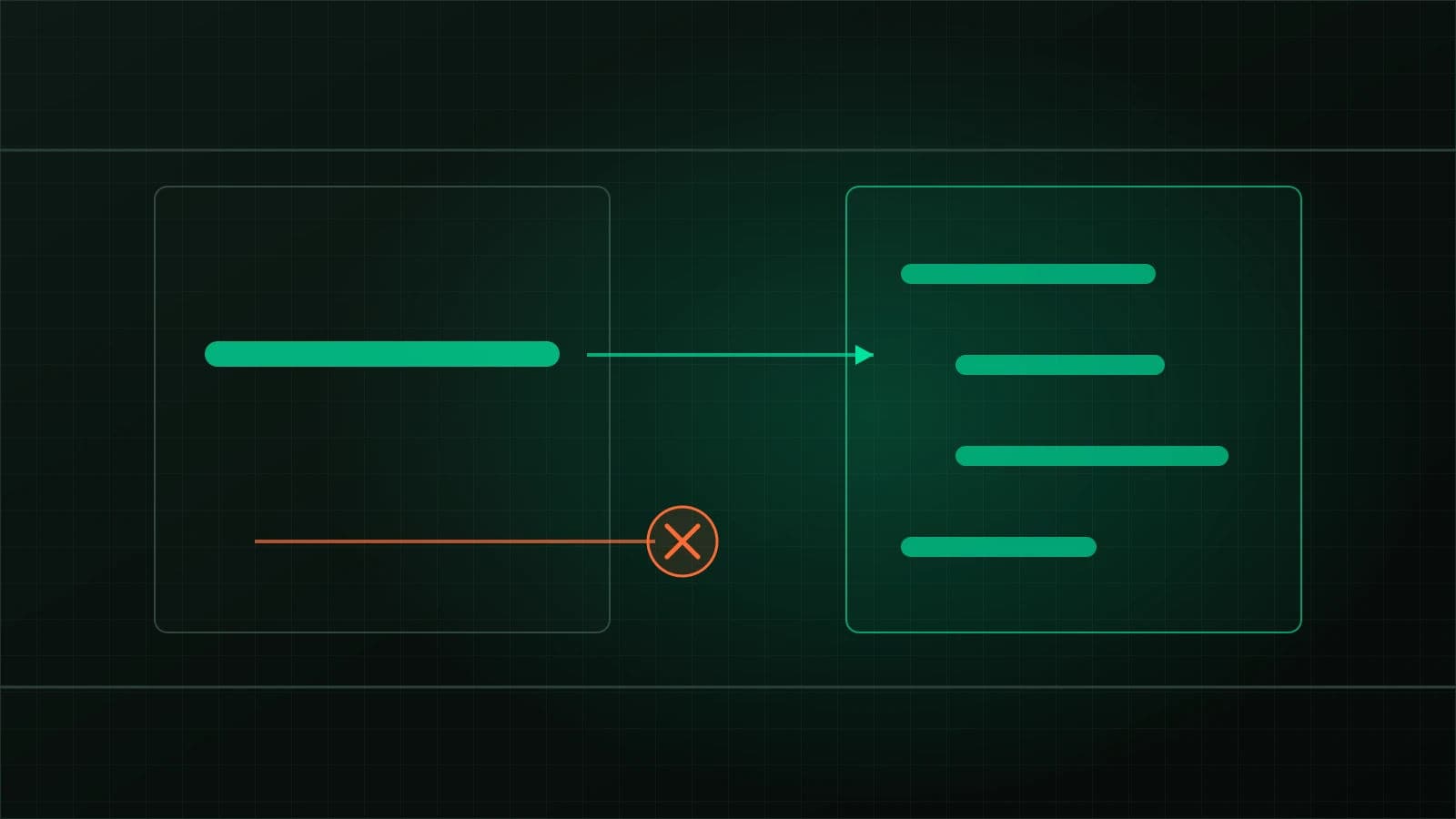
Paste a captured response into the JSON Formatter, format it, and inspect the tree before changing an assertion. The two panes help you keep the original visible while you examine a copy. Formatting changes whitespace; it does not establish that the response matches an API contract.
An API test fails while the response body is one long line. Before rewriting the expected object, make the payload readable and check what the server actually returned.
Keep the capture beside the readable copy
Replace the left sample with {"status":"paid","total":499}. The live editor offered to format that compact text. Press Copy Left to Right and the right tree shows status: paid and total: 499. The left pane remains the original one-line input. You can switch either editor between text, tree, and table views; the format and compact controls belong to the editor menu.
For a larger response, search for the failing field in the tree, then copy its exact path and value into the test failure note. If you need to compare two valid responses structurally, use JSON Diff; this workspace is for inspecting and editing a document, not for deciding which paths changed.
Repair needs a second look
The editor exposes a repair action. Treat repaired output as a proposed edit. A missing comma is often obvious; a truncated string or an unexpected duplicate key is not. RFC 8259 says object names should be unique and notes that receivers handle duplicates differently. A pretty-printed result can therefore hide an interoperability problem if you accept a repair without checking the raw response.
The pane accepts JSON text, not an HTTP exchange. It cannot tell whether 499 is cents, a quantity, or an incorrect business value. Keep the status code, headers, and request ID with the body when you investigate a production or CI failure.
Capture the field that matters
Paste one failing response, copy it to the right, and inspect the field your assertion targets. Record both the raw fragment and the readable value. If the document does not parse, save the original before using repair, then reproduce the malformed response at the API boundary.
References
- RFC 8259, JSON: whitespace, valid values, and duplicate object names.
- JSON Formatter: live pane controls and observed copy-to-tree result.